
Marketing
EPKs, email campaigns and social posts for your roster
Press kits, AI-written email campaigns and posts to every platform, with one inbox for every comment and DM.
Included with Pro
Your roster's marketing, managed in one place.
Run email campaigns to your Mailchimp audience, post across social platforms in one click, and monitor every comment, DM and mention — all from inside Digitainment.
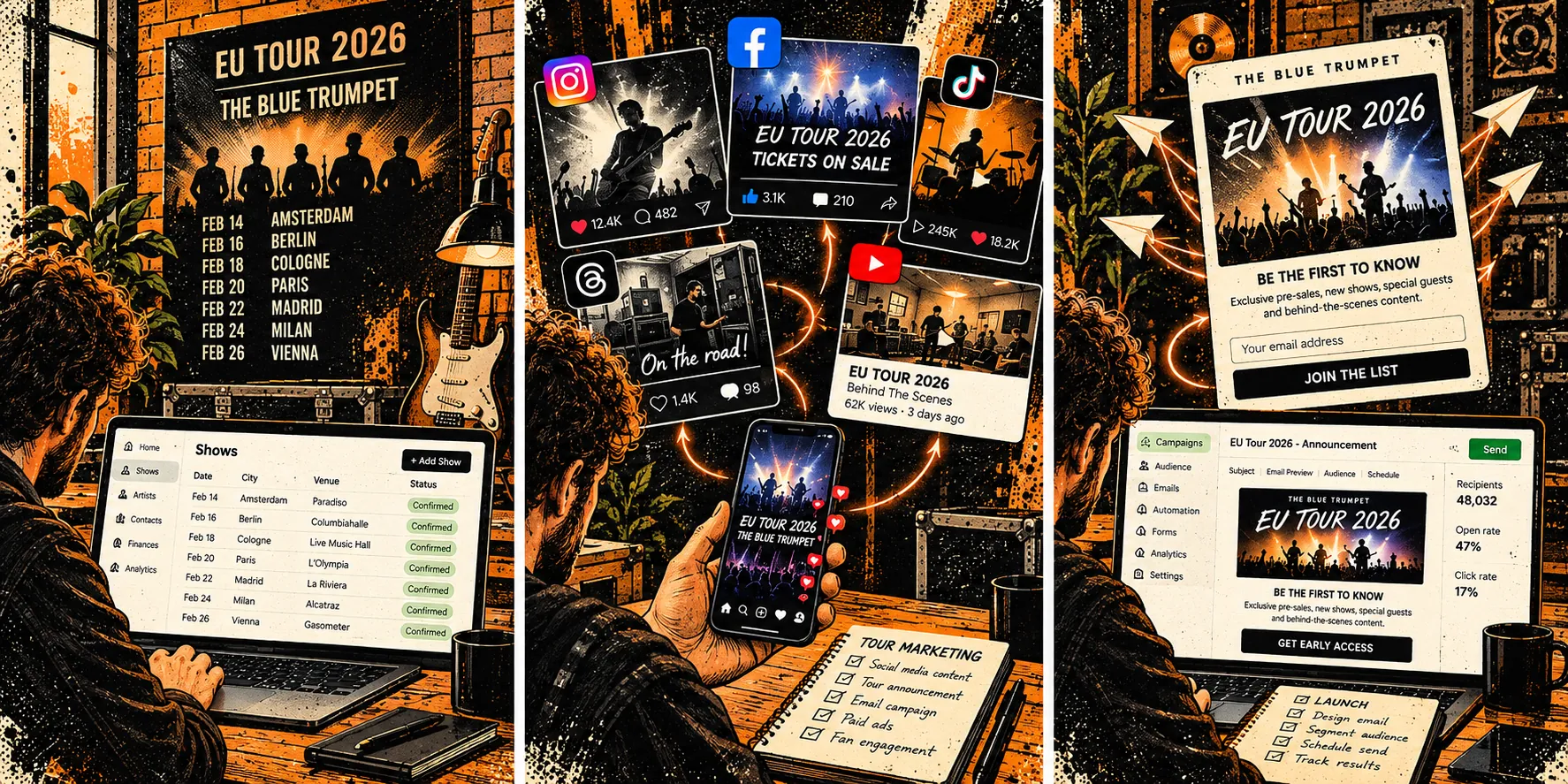
Email your audience. Let AI write it.
Pick a Mailchimp list, give the AI a prompt, and send a polished campaign in minutes. No switching tabs, no copy-pasting between tools.
Mailchimp integration — Connect your Mailchimp account and send directly to any list from inside Digitainment.
AI copy generation — Describe your show or announcement and let AI draft the subject line and body.
One-click send — Preview and send. Campaign history is tracked so you always know what went out.
Link your band's social accounts.
Each band gets its own social slot. Connect Facebook, Instagram, YouTube, Threads and TikTok — all under one slot. Every platform feeds into the same inbox.
One slot per band — Each social slot maps to one band. Connect up to 5 platforms per slot.
Provider-agnostic — Swap platforms any time. The inbox and compose tools work the same regardless of which platforms are connected.
Write once. Post everywhere.
Draft a post, select your target platforms, and publish — all from one compose screen. No switching between apps, no copy-pasting.
Multi-platform targeting — Toggle which platforms receive each post. Facebook, Instagram, YouTube, Threads, TikTok.
Schedule ahead — Set a publish time and Digitainment handles the rest.
Draft & publish — Save as draft or publish immediately. Status tracked throughout.
Every comment, DM and mention. One inbox.
The social inbox pulls in activity from all connected platforms. Reply, hide, or delete comments without leaving Digitainment.
Comments & mentions — See who's talking about your bands across all platforms.
DMs — Direct messages from all connected platforms, in one thread view.
Moderate — Reply, hide, or delete comments directly. No need to open each platform separately.
How it connects
→ Every announcement carries the ticket link
Works with
Questions about Marketing
Social publishing
Which plan includes Marketing?
Pro. Free and Starter have no Marketing module at all: no campaigns, no email sending and no Mailchimp. Social slots are a Pro add-on on top.
Which social networks can I post to, and what can I do with comments?
Instagram, Facebook (Pages), YouTube, Threads and TikTok. On Instagram, Facebook, YouTube and Threads you can read, reply to, hide and delete comments, and liking works on Instagram and Facebook. Direct messages work on Instagram and Facebook (on Facebook inside Messenger's 24-hour window). TikTok is publishing only, and a photo-carousel caption is limited to 90 characters against 2,200 for video.
How do I connect a social account?
In Marketing > Settings > Channels you create an invite link and send it to whoever owns the account. They approve it on a SocialAPI.ai screen, which is expected because that is our publishing partner. The link expires after 7 days, and the band needs a social slot first.
Can I edit a scheduled post?
Not yet. The Scheduled page lets you cancel a post, so cancel it and create it again. Posts can be 1 to 2,200 characters with an optional first comment, and you can load the text from a campaign. If some networks fail you will see 'Partially published' and which ones.
Try Marketing free
Start free, no card required.