
Logistics
Tour travel planning for bands and crew
Flights, hotels, trains and ground transport for every show, shared with your travel agent and the band.
Included with Pro
Active
Logistics
Tour travel without the spreadsheet chaos — plan what needs booking, confirm what is booked, and keep the band and travel agent looking at the same show.
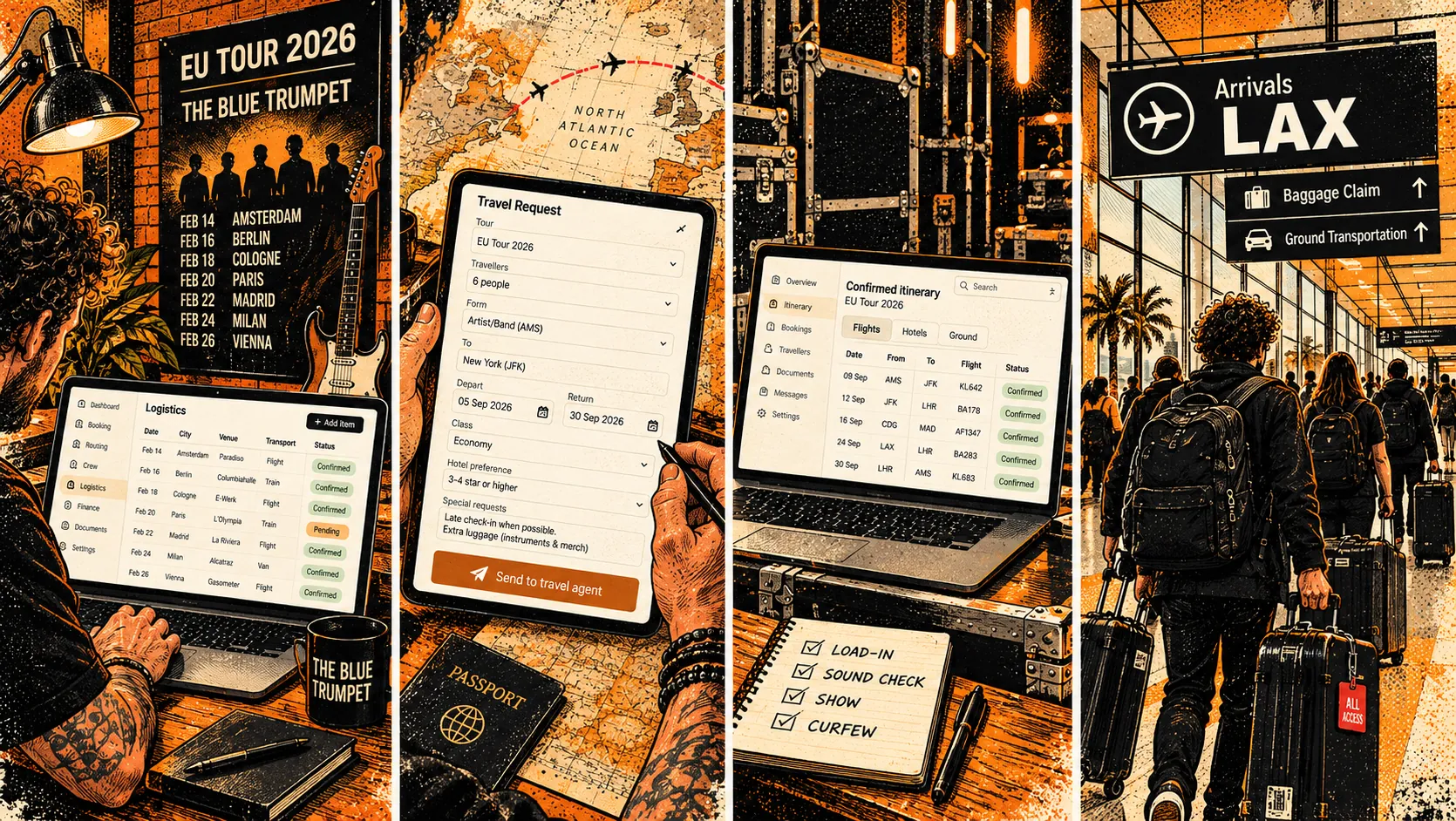
Capture what still needs booking.
Add flights, hotels, rail, ground or ferry as Plan requests linked to a show — dates, time-of-day preferences, and who is travelling.
Travel types — Flights, hotels, rail, ground and ferry in one register per band.
Dates & time of day — From / departure and return dates with Exact, Morning, Afternoon or Any time.
Travellers — Assign the full group or a subset from the band naming list, plus guests.
Send the travel agent one clean link.
Enable Logistics on the show's Public Space and share a Logistics-only link. The agent sees requests for that show — without booking costs or booking refs.
Travel agent link — A dedicated Logistics page for the show — what needs booking, not the final invoice.
Public-safe — Requests stay stripped of costs and booking references on the public link.
Record the final arrangements.
When travel is booked, move it to Confirmed — same date model as Plan, plus flight/service numbers, booking refs and costs.
Confirmed register — Keep booked travel separate from open requests so the list stays clear.
Refs & costs — Store service numbers, booking refs and cost against each segment for your company.
Same show link — Confirmed travel stays attached to the show alongside Plan requests.
The band sees Planned and Arranged.
On Band Space, Logistics splits into Planned and Arranged. Arranged includes the booking details the band needs — while traveller contact fields stay mirrored with the band naming list.
Planned & Arranged tabs — Requests and final bookings side by side for the same show.
Naming list sync — Email, phone, dietary, driver and hotel preference stay in sync with Logistics Settings.
Band-visible booking detail — Service number, booking ref and cost show in Band Space — not on the public travel-agent link.
How it connects
→ Shared with the band in Band Space
Works with
Questions about Logistics
Travel planning
Which plan includes Logistics?
Logistics comes with Pro, like Marketing and Label Services, and is not sold on its own. Without Pro you see 'Logistics comes with Pro' with a link to upgrade.
Does Digitainment book flights and hotels?
No. Logistics is a register: you record requests and bookings (flight, hotel, rail, ground, ferry or other), give them a status of Planned, Confirmed, Changed or Cancelled, link them to a show and say who is travelling. The search links (Google Flights, Booking.com, Rome2Rio, Rentalcars) just open those sites. Send to Confirmed moves a request across.
Who can I add to a trip, and what happens to past trips?
The whole party, a lineup group, only some members, or guests who are not on the roster. Travel dated before today moves to the Archive automatically, as does anything you archive by hand.
What can I attach to a travel booking?
PDF, JPEG, PNG or WebP files up to 20 MB, up to 20 per booking and 50 per show. Bands see them as Arranged in Band Space. Promoters and travel agents can upload too, but each side only sees its own uploads.
What does the band see about travel?
In Band Space > Travel they see upcoming planned requests linked to a show, plus confirmed or changed travel. Other members' seat and ticket numbers are hidden. Costs show only to staff and members with the Finance tab. Members edit their own passport details under My traveller profile.
Try Logistics free
Start free, no card required.