
Booking
Band booking software for agencies and artist managers
Contracts, invoices, promoter portals and settlement for every show, from the first enquiry to the final payout.
Included in every plan, including Free
Active
Booking
From the first enquiry to the final settlement — every step of a show, managed in one place. Contracts, invoicing, tech riders, promoter portals, band spaces, and settlement tracking, all connected.
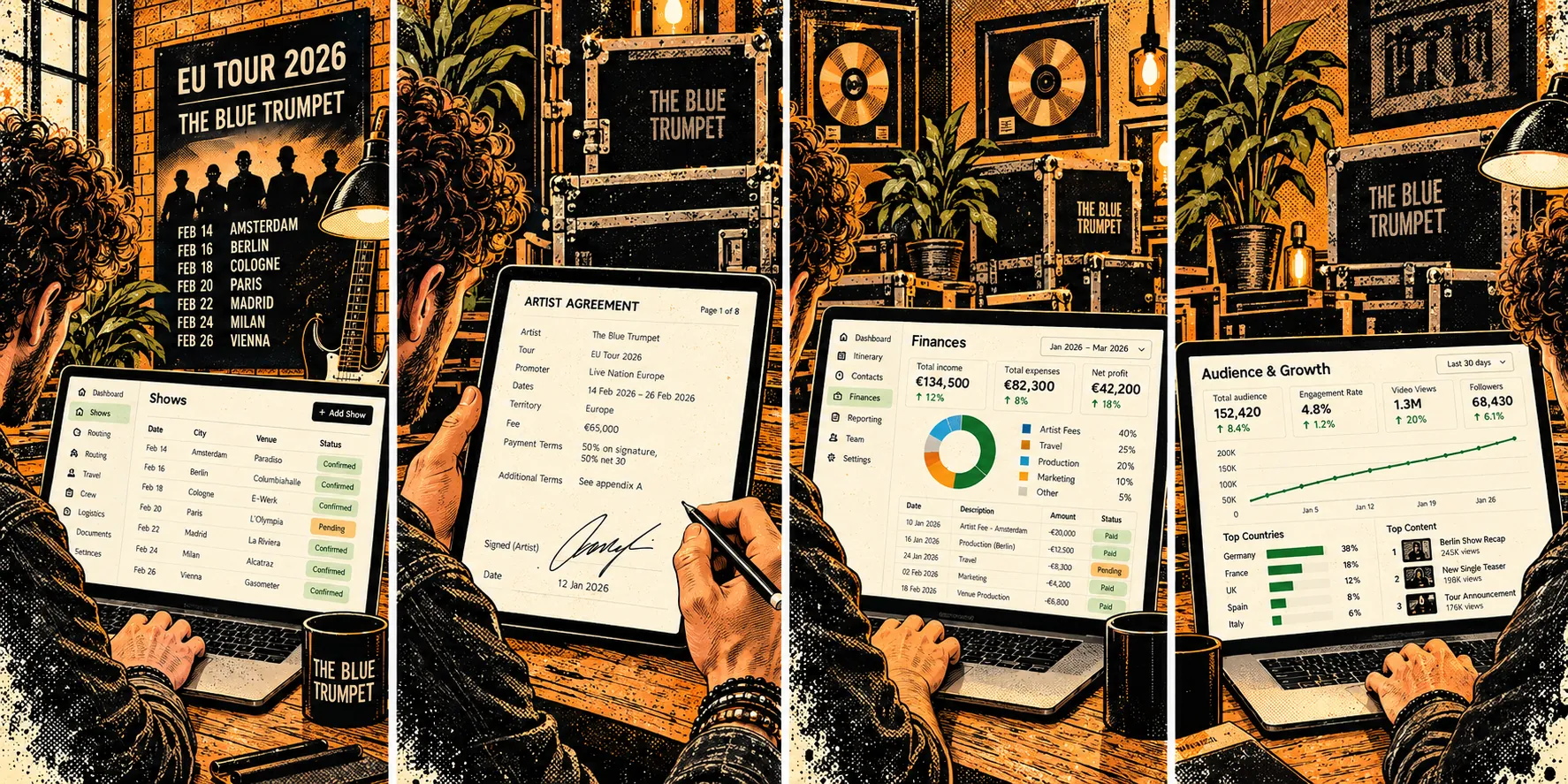
From first enquiry to final settlement.
Every show has the same journey. Digitainment handles each step — so nothing gets lost, nothing gets forgotten, and every promoter and artist always has exactly what they need.
The enquiry lands. You log the show.
However the enquiry reaches you - email, phone, a message at a festival - log it as a show straight away. Set the date, attach the band, note the fee. No more inbox archaeology to remember what was discussed.
Show statuses — A new show starts Pending. Move it to Confirmed once the deal is done, or Cancelled if it falls away.
Deal terms — Flat fee, percentage, or split deal. Deposit amount and due date.
Venue & contacts — Link the venue and promoter contact in one step. Their details follow the show everywhere.
Generate the contract. Get it signed.
Pull the deal terms directly into a contract template. Send it to the promoter for e-signing — no PDFs, no printing, no chasing paper.
Contract templates — Your standard terms, pre-loaded. Deal terms auto-populate from the show.
E-signing — Promoter signs digitally. Signed copy saved automatically against the show.
Share one link. The promoter has everything.
Every show gets a live, shareable portal. The promoter opens one link and sees the contract, tech rider, logistical info, and invoices — always up to date, no login required.
Secure public link — Token-based, no account needed for the promoter.
Always live — Update a document or invoice in Digitainment and it reflects immediately in the portal.
Everything in one place — Contracts, tech riders, worksheets, invoices, and attachments. Organised by section.
The artist has their own view too.
Bands get a separate, secure space for every show — their documents, show details, and status updates, without seeing the agency's financials or internal notes.
Band-specific view — Artists see what they need, nothing they don't.
Their documents — Tech riders, stage plots, EPK files, all accessible in one place.
Bill the way your deal is structured.
Whether the agency bills the promoter, the band bills directly, or the agency takes a commission — Digitainment handles it. Send the deposit invoice first, balance when it's due.
Flexible billing — Agency bills, band bills, or both. Fits any deal structure.
Deposit & balance tracking — Know exactly what's been paid and what's outstanding at a glance.
VAT & PDF export — VAT-aware invoices, downloadable as PDF, sent directly from the platform.
Show's done. Close it out.
Mark the show settled. Track what was collected, by whom, and how. Every show's financial outcome is recorded and visible — so your books are always accurate and your finance overview always reflects reality.
Settlement tracking — Record who collected, agency or direct pay.
Finance overview — All shows, all invoices, total outstanding and collected, in one view.
Show history — Every settled show is a permanent record. Nothing gets lost.
How it connects
→ The show everything else hangs off
Works with
Questions about Booking
Shows & calendar
What do Pending, Confirmed, Blocked and Cancelled mean?
Pending is an enquiry or a hold: a date you are pencilling in. Confirmed is a done deal. Blocked is a date the band cannot play. Cancelled keeps the record but takes the show out of settlements, finance totals, merch, the calendar feed and availability checks. There is no separate hold object; a hold is simply a Pending show.
What does 'time confirmed' do on a show?
If it is unticked, only the date is stored and the set time is left out of contracts. Tick it once the time is agreed.
How do I block dates?
On the Shows calendar choose + Block Dates, pick one band or all bands, and add an optional reason. Blocking needs the permission to manage bands. + Note adds a free-text note to a date in the same way.
Can bands see their shows in Google or Apple Calendar?
Yes. Each band has a private calendar feed (an ICS link) that you create on the band page and paste into any calendar app. Cancelled shows are left out and Pending shows appear as 'TBC: ...'. Creating a new link makes the old one stop working.
Contracts
What goes into a contract?
Three things: the deal terms, filled in automatically from the show; extra clauses from your preset library; and your master legal text. You edit templates, presets and master text in Documents > Contract Templates, or start from a blank contract.
Try Booking free
Start free, no card required.